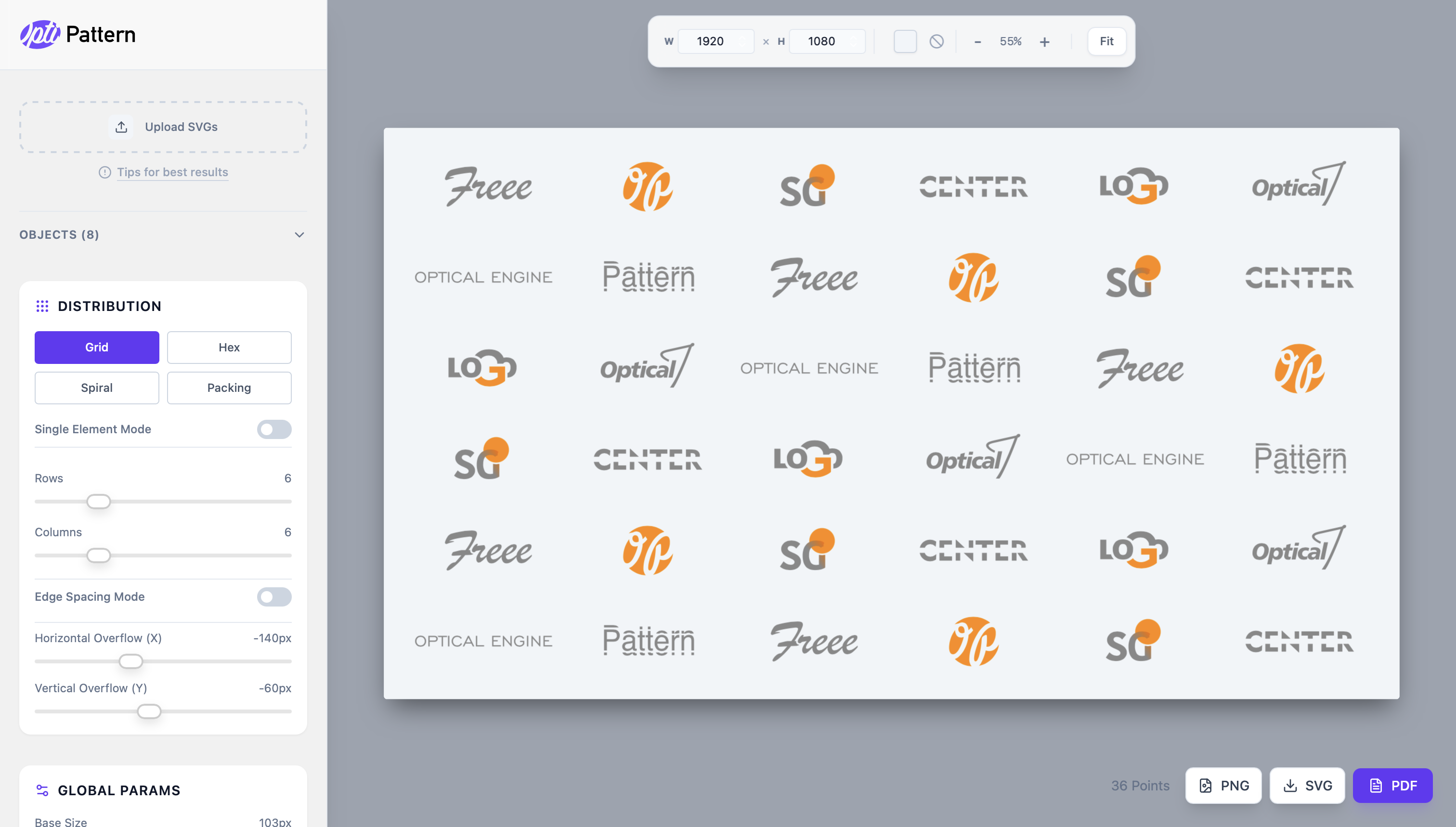
More than just a grid
Ordinary tools align objects by their geometric boundaries (bounding box). This breaks the composition when working with complex logos: a circle visually appears smaller than a square, and a triangle "falls out" of line.
OptiPattern analyzes the optical weight and density of each file. The service finds the real visual center and arranges elements so that sponsor logos or patterns look harmonious.
- Instant results: All changes happen in real-time.
- No limits: Free. No registration required.
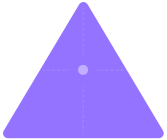
Geometric Center
'%3e%3crect%20x='2.623'%20y='5.282'%20width='189.157'%20height='138.68'%20style='fill:none;'/%3e%3cg%20transform='matrix(0.993342,0,0,0.867232,-536.063,-146.661)'%3e%3cpath%20d='M632.657,181.056C633.677,179.348%20635.52,178.303%20637.509,178.303C639.498,178.303%20641.341,179.348%20642.361,181.056C658.741,208.478%20711.9,297.473%20728.655,325.523C729.698,327.27%20729.722,329.442%20728.718,331.211C727.714,332.98%20725.837,334.073%20723.803,334.073L551.215,334.073C549.181,334.073%20547.304,332.98%20546.3,331.211C545.296,329.442%20545.32,327.27%20546.363,325.523C563.118,297.473%20616.278,208.478%20632.657,181.056Z'%20style='fill:rgb(147,115,255);'/%3e%3c/g%3e%3cg%20transform='matrix(1.13631,0,0,0.992044,2.6231,5.28192)'%3e%3cpath%20d='M83.008,71.114L78.527,71.114C78.251,71.114%2078.027,70.89%2078.027,70.614C78.027,70.338%2078.251,70.114%2078.527,70.114L83.008,70.114L83.008,65.633C83.008,65.357%2083.232,65.133%2083.508,65.133C83.784,65.133%2084.008,65.357%2084.008,65.633L84.008,70.114L88.489,70.114C88.765,70.114%2088.989,70.338%2088.989,70.614C88.989,70.89%2088.765,71.114%2088.489,71.114L84.008,71.114L84.008,75.595C84.008,75.871%2083.784,76.095%2083.508,76.095C83.232,76.095%2083.008,75.871%2083.008,75.595L83.008,71.114Z'%20style='fill:white;fill-opacity:0.2;'/%3e%3c/g%3e%3cg%20transform='matrix(1.13631,0,0,0.992047,-581.195,-112.549)'%3e%3ccircle%20cx='597.458'%20cy='205.648'%20r='4.981'%20style='fill:rgb(173,255,115);'/%3e%3c/g%3e%3c/g%3e%3c/svg%3e)
Optical Center